
Solutions Bank
Updated 9:51 AM CDT, Mon June 15, 2026
Published Under: News Blog
![June 2026 News[Draft]](/uploads/blog/d28f83981875fa60f7bba46b84dfe8e3.png)
Our Fam
June Anniversaries
.png)
Happy Work-A-Versary Christopher, Mary, and Kathy! We appreciate all you do!
Mary Hill - 5 Year Anniversary
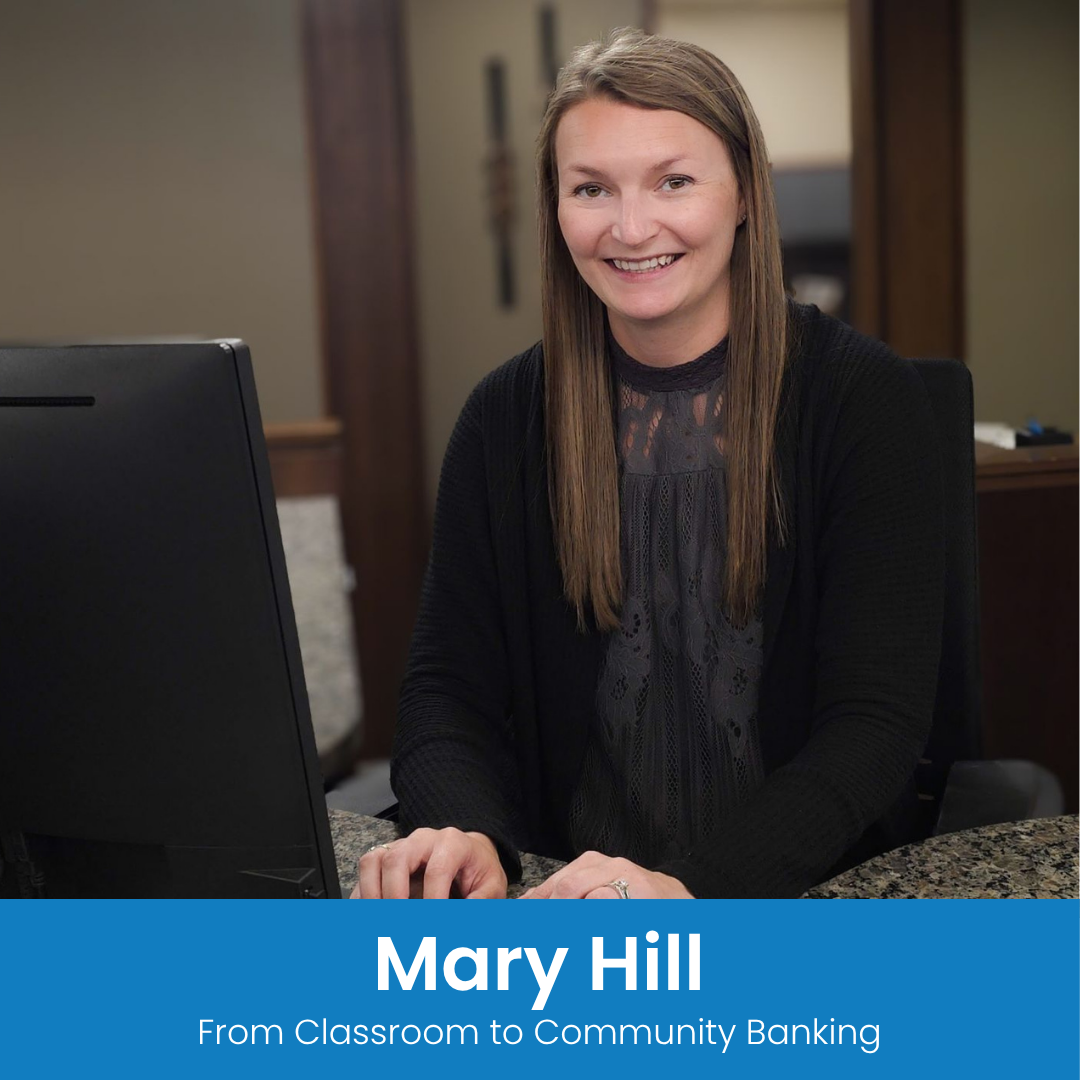
This month, we’re proud to celebrate Mary Hill and her five years of dedication to community banking. From her beginnings in the classroom to the meaningful relationships she’s built with customers and colleagues, Mary’s journey reflects a deep commitment to service, growth, and making a difference in Forreston. Her passion for people continues to leave a lasting impact every day.
Click here to read more about Mary’s journey.
Belvidere Build-a-Bike

We were honored to be part of the 10th annual Build-a-Bike event in Belvidere—an inspiring day where generosity and teamwork help deliver bikes (and smiles) to kids in our community.
2026 HCC Leadership Golf Outing

Another great year at HCC's Annual Leadership Golf Outing. We are always happy to support this event as a sponsor! And our golfers always have a good time.
Pretzel Day & Supporting Local
.jpg)
Supporting local in the best way by treating our employees to pretzels made by Freeport Pretzel Co. Freeport Pretzel Co. is a small, locally-owned business making a big impact in Freeport. Even better? It's owned by our own Alex Laviolette who works in our Freeport office.
2026 Graduates - Addy Silvers

Congratulations to all of the 2026 graduates! And an extra special congratulations to Addy from our Poplar Grove office. Addy graduated from North Boone High School and Rock Valley College through the Running Start Program. Your future is bright, and we are excited to watch your journey unfold. Wishing you continued success, happiness, and endless opportunities in the years ahead!
2026 Belvidere Cosmo Golf Outing
.png)
Our staff had a fantastic time at the 26th annual Belvidere Cosmo golf outing! We’re proud to support local events—and always happy to enjoy a day on the course.
Harvard Milk Days Parade
.png)
Such a fun time at the Harvard Milk Days parade! We’re proud to be a part of this long-standing event that celebrates the dairy farmers who help our community thrive.
Fraud Alert - Crypto Scam
.png)
Investing in crypto can be exciting, but scammers are everywhere. If someone calls, texts, emails, or DMs you to “invest” in crypto, pause and do your homework. Make sure the person or company is reputable before sending any money.
Remember, once your money is gone, getting it back is nearly impossible. Take your time, do your research, and think three times before hitting that transfer button. Visit solutions.bank/security-center to learn more about common scams and how to protect yourself.
Fraud Alert
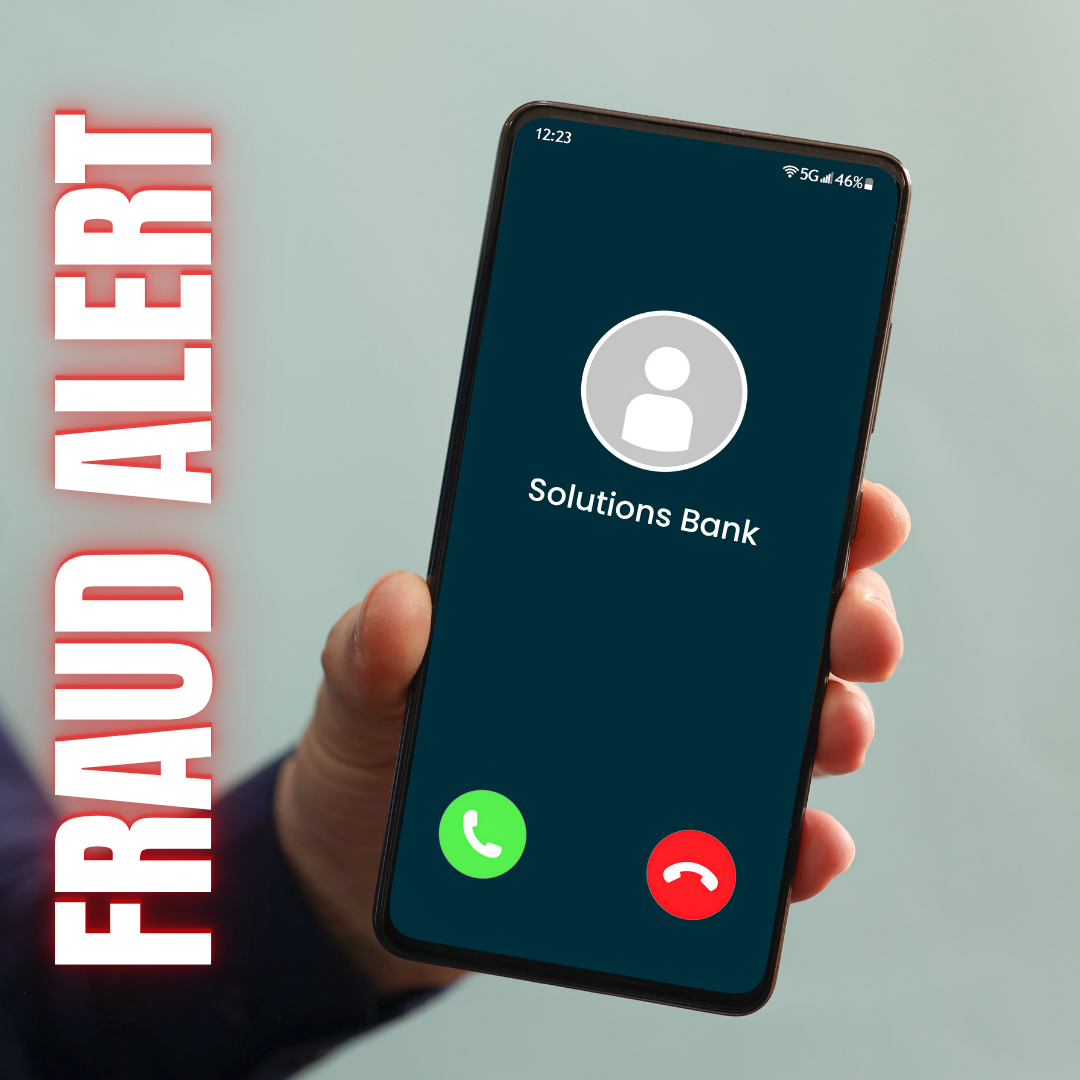
Scammers have been spoofing our phone number to make it appear that calls are coming from our bank.
Remember: Just because your caller ID shows our name or phone number does NOT guarantee the call is actually from us.
Protect yourself by following these tips:
- Never provide online banking passwords, security codes, debit card PINs, or one-time verification codes over the phone.
- If a caller claims to be from the bank and asks for sensitive information, hang up immediately.
- Call us back using the phone number listed on our website.
- If something doesn't feel right, trust your instincts and contact us directly.
Think Before You Click "Apply"
.png)
A job search should open doors, not expose you to scams or risky employers. Learn how to spot fake postings, verify recruiters, research companies, and apply with confidence at our blog post here. We also share how to confirm that any Solutions Bank opportunity is legitimate.
Local Support, Smarter Payments, Better Savings
%20(3).png)
Solutions Bank and Clover® make it easier for business owners to save money and simplify daily operations—so you can focus on running your business, not managing your payment systems.
That’s why Solutions Bank partners with Clover to offer an all‑in‑one platform designed to streamline transactions and bring everything you need into one easy system. With a range of point‑of‑sale terminals, from handheld devices to full countertop and register solutions, Clover can fit the unique needs of nearly any type or size of business.
Clover simplifies payment processing by combining secure, flexible payment options with powerful business tools. Whether you’re accepting credit cards, mobile wallets, or contactless payments, transactions are fast and seamless. Built‑in reporting, inventory tracking, and employee management features give you greater control, without the extra work.
When your systems run efficiently, you can focus on what matters most: your customers. Clover helps you enhance the customer experience with tools like loyalty programs and insights that encourage repeat business and long‑term growth.
With Solutions Bank, you get more than technology, you get a trusted local partner. Our team will review your current merchant setup, identify savings opportunities, and ensure your system is working as efficiently as possible.
We’re currently offering a complimentary merchant statement review to help uncover hidden fees and potential cost savings, no strings attached.
Ready to simplify your operations and keep more of what you earn? Visit solutions.bank/clover to learn more.
Commercial Real Estate Loan Solutions

Whether you’re purchasing, renovating, or building a commercial space, having a trusted, local financial partner can make the journey a lot smoother. Our team has experience across all kinds of commercial real‑estate projects, and we’re here to work alongside you as you bring your plans to life. Click here to explore our business funding options.
What is Multifactor Authentication?
Understanding Today's MFA Security Methods
In today’s digital age, online security is more important than ever. Cyberattacks and data breaches are increasingly common, making Multi-Factor Authentication (MFA) a crucial shield against unauthorized access. But what exactly is MFA, and how does it enhance online security?
The Importance of Multi-Factor Authentication
With the rise of cyber-attacks and data breaches, it’s no longer enough to rely on just a password for protection. Passwords can be hacked or even accurately guessed by a savvy intruder with the right information. A second or third factor in the process can't be easily obtained by an unauthorized person. Each added authentication step provides more opportunities to block intruders.
What is MFA?
Multi-Factor Authentication, or MFA, is a security process that goes beyond simple passwords. The definition of MFA security is any protection that requires two or more verification methods before granting access. MFA is useful because it adds extra systems of security, making it difficult for hackers and unauthorized users to access your account.
Imagine needing not just a key, but also a fingerprint scan to enter your home. That second step, the fingerprint scan, is an added authentication factor. It layers your defenses, making it harder for hackers to breach your accounts.
Where You Find MFA
MFA authentication is used in a variety of industries and applications to enhance online security. Some MFA examples include:
- Banking: MFA in banking is leveraged to authenticate users and protect sensitive financial information.
- Healthcare: Patient records are secured with MFA, ensuring only authorized personnel can access them.
- Government: Classified information and government systems are shielded by MFA, safeguarding national security.
- E-commerce: Online shopping platforms use MFA to protect customer data and prevent fraudulent transactions.
How Does MFA Work?
MFA typically employs a combination of three factors:
- Something you know: A password or PIN that is unique to every user.
- Something you have: A physical device like a smartphone or security token.
- Something you are: Biometric data like fingerprints or facial recognition.
Types of MFA Security
MFA security consists of several parts, requiring different actions from an end user at each step. There are several types of MFA, each with its own unique method of authentication.
Examples of MFA protection include:
- SMS-Based: A one-time code sent to your phone via text message.
- Email-Based: A one-time code sent to your email address.
- App-Based: A temporary code is generated through mobile apps like Google Authenticator.
- Hardware Token: Security tokens or smart cards that generate unique passcodes.
- Biometric: Fingerprint or facial recognition for verification.
Challenge Questions
Challenge questions require users to answer specific questions before accessing their accounts. These questions are typically personal and can only be answered by the account owner.
One-time Passcodes
One-time passcodes are generated separately by a different process. The codes are then sent to the user's smartphone or email, as the second authentication step. They are unique and can only be used once, making it difficult for hackers to gain unauthorized access.
Using Different Devices
Different devices may be involved in verifying account information in MFA security. Each device, individually, requires their own forms of authentication before a user is allowed access. A thief would need to steal multiple devices to gain access to one account. The average account holder may find the extra steps annoying, but the process would be more frustrating for the thief.
Additional Steps to Protect your Account Information
There are several other important methods to protect your information and enhance online security.
- Always use strong passwords that are unique and not easily guessable. A strong password should include a combination of uppercase and lowercase letters, numbers, and special characters.
- Be on the lookout for Phishing Scams. If an email, text message, or phone call seems suspicious, don’t give out any personal information. Never click on internet links from unknown sources.
- Make sure to add all available security options provided by the platforms or services you use. This may include enabling two-factor authentication, using biometric authentication methods, or setting up security questions.
- It is crucial to protect the devices you carry or use in public places. Set up a strong password or PIN and change it regularly. You should also enable device encryption and regularly update your device's software and security patches.
- Always sign out of your accounts and devices when you are finished using them. This is especially important when using public computers or shared devices. This helps prevent unauthorized access to your accounts and ensures that your personal information is still secure.
Protect Your Online Security at Work and at Home
MFA is a vital tool for safeguarding your digital life. By requiring multiple verification steps, it significantly enhances online security. MFA is crucial for protecting your personal information and ensuring peace of mind in the digital world.
Upcoming Holiday Closures
Friday, June 19, 2026: Closed – Juneteenth
Saturday, July 4, 2026: Closed – Independence Day
As always, 24/7 banking is available anytime, anywhere through our mobile app, online banking, and ATM’s. solutions.bank.
Comments